As part of your test you will need to peel the sticker at the top of your test chip. See image below.
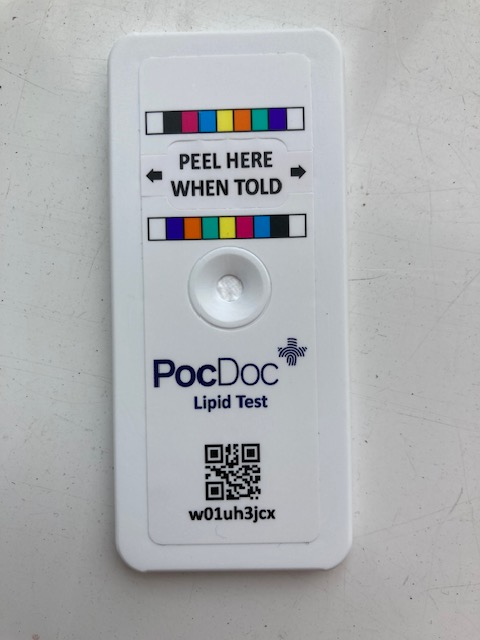
When peeling this sticker, it is imperative that you do not damage or remove the colour strip above and below this sticker, and that the 3 circles underneath the test chip are fully un-covered. Your test chip should look like this.
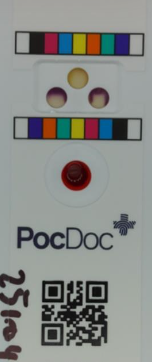
If you have removed / covered / damaged the colour bars above or below the reaction sites (3 circles under the peel here when told sticker) when taking a picture of the test chip the PocDoc app may give you the error chip_not_found. Just let us know by contact us here and we will happily arrange a free replacement.
Was this article helpful?
That’s Great!
Thank you for your feedback
Sorry! We couldn't be helpful
Thank you for your feedback
Feedback sent
We appreciate your effort and will try to fix the article