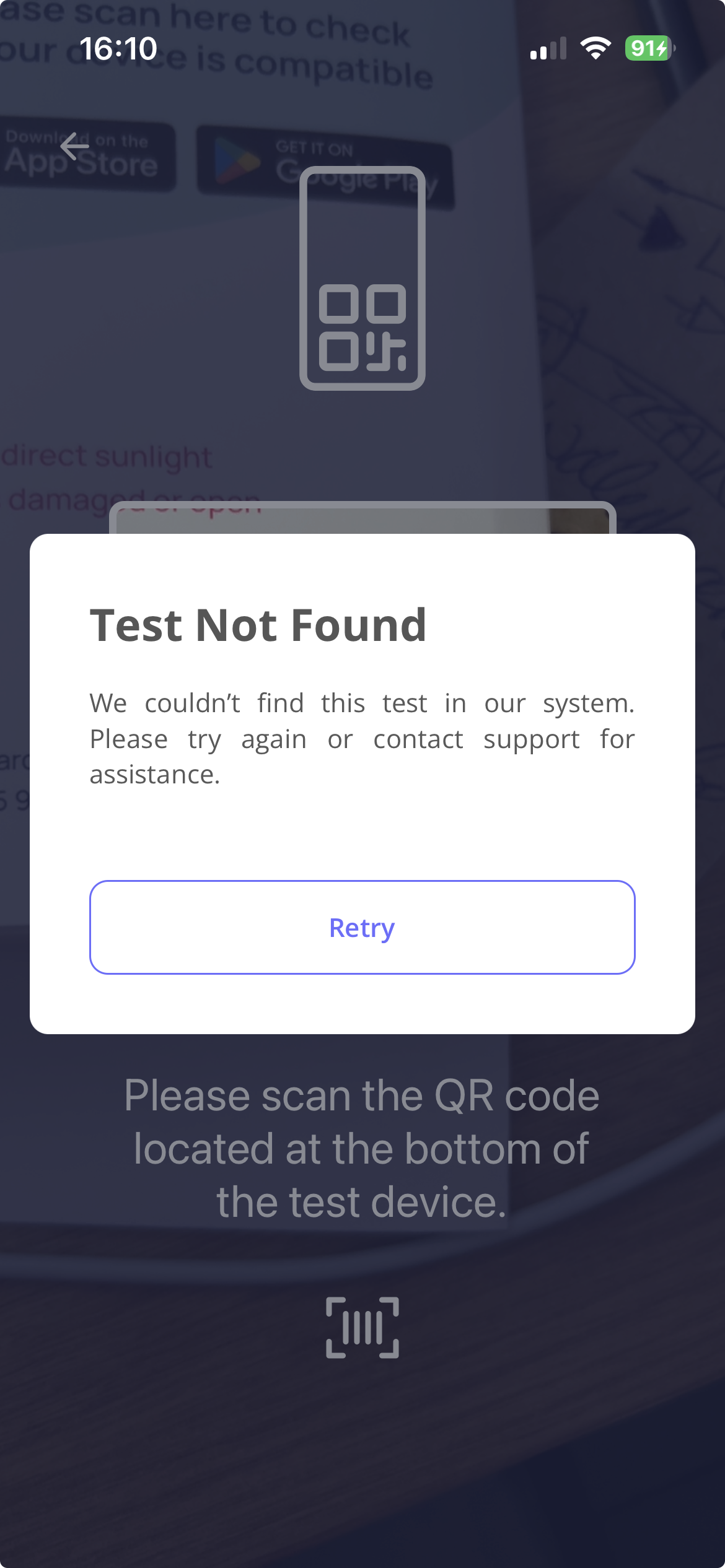
If you are at the following screen in the PocDoc app
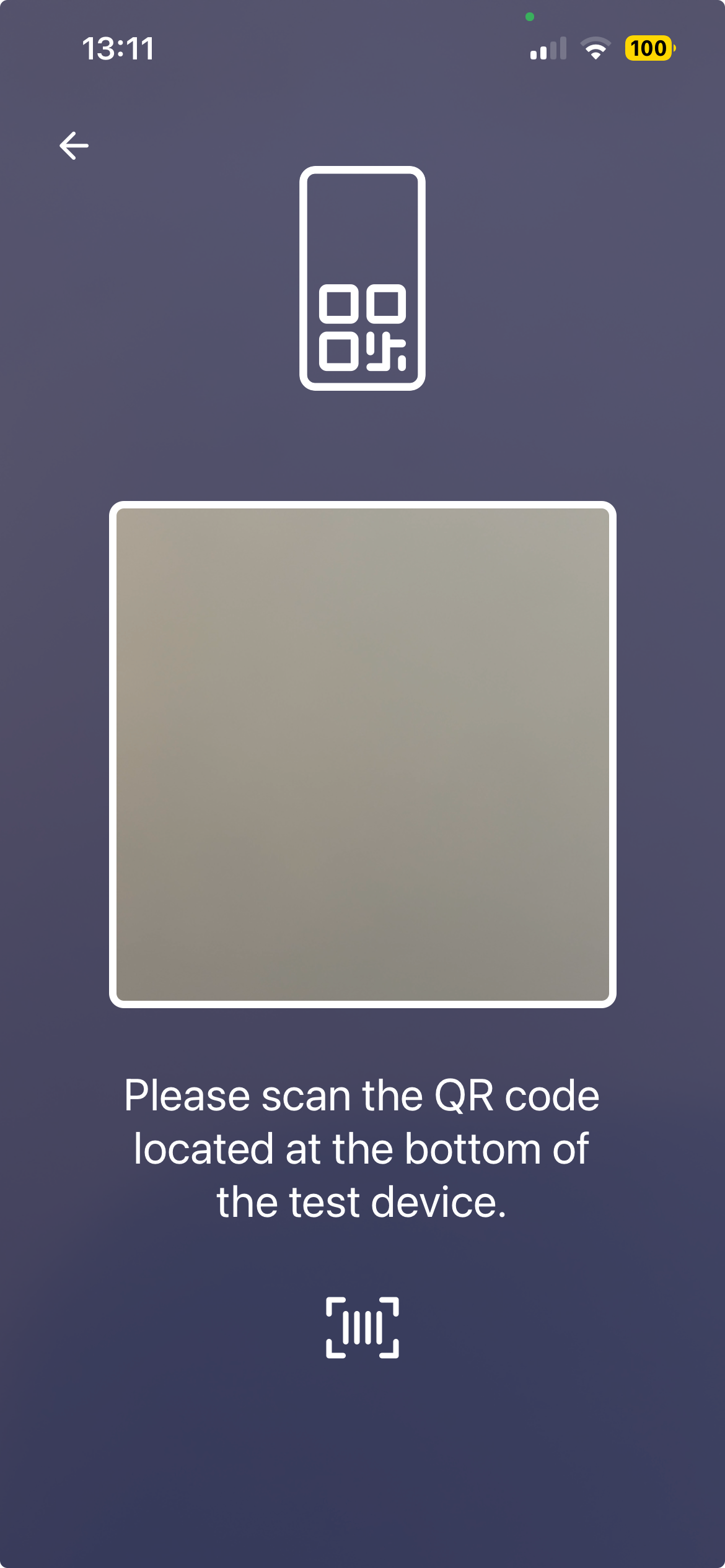
and are unsure where to find the QR code, it's on the test chip inside the silver pouch in your test kit.
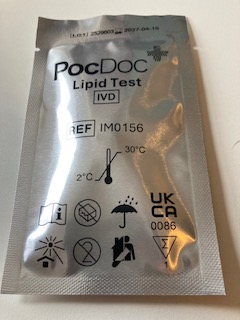
Open the pouch, remove the chip, and scan the code printed on it.
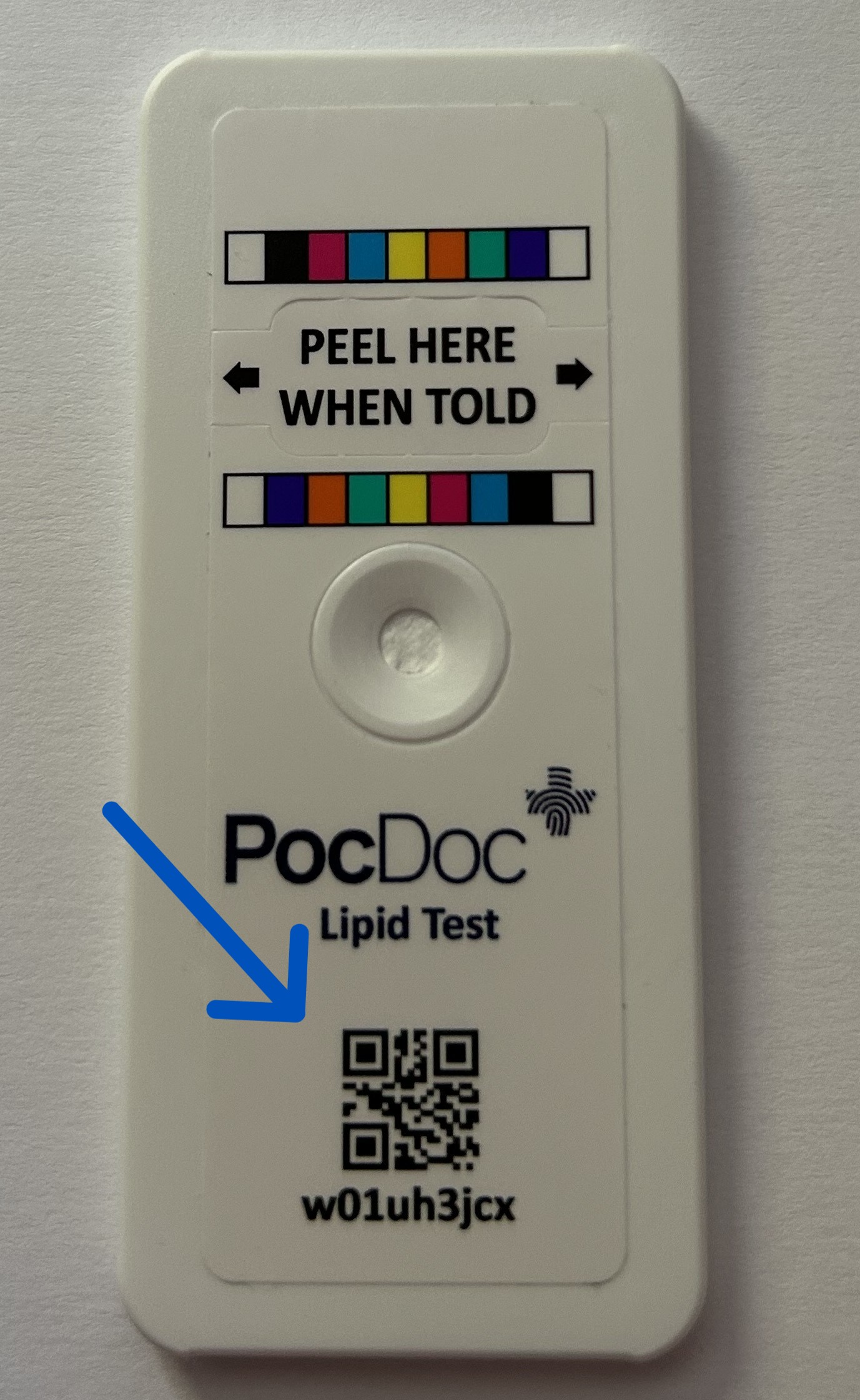
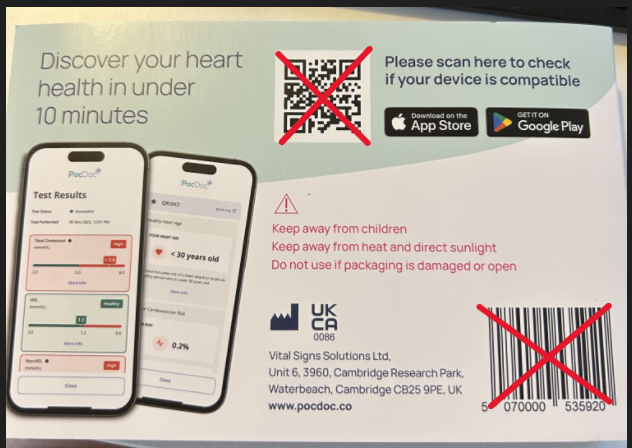
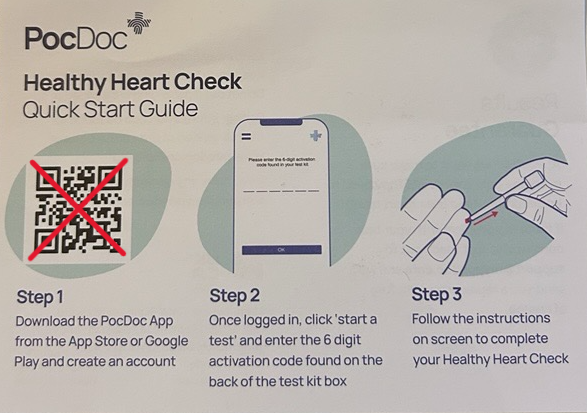
This is the only QR code that will start your test. Other codes in the kit won't work, including the ones on:
- on the packaging
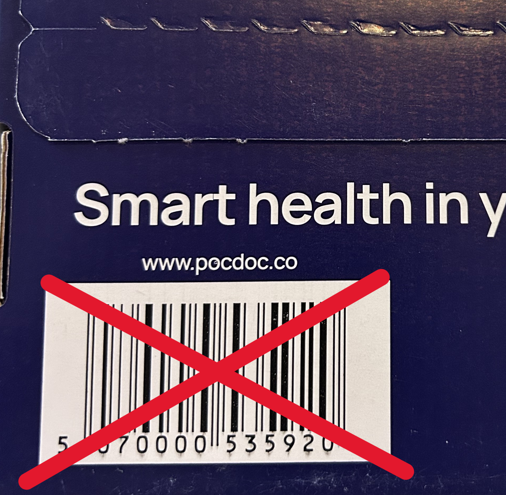
- or the quick start guide
Scanning any other code will show a 'Test Not Found' message in the app.
Please note: if your silver pouch has been open for longer than an hour, do not use the test chip. Contact us here and we'll check whether you're covered by our results guarantee. If you are, we'll send you a free replacement kit.
Was this article helpful?
That’s Great!
Thank you for your feedback
Sorry! We couldn't be helpful
Thank you for your feedback
Feedback sent
We appreciate your effort and will try to fix the article