To verify your PocDoc account, you must verify your email address. You will be prompted to do so after creating an account and setting your password.
Please see below an example image of what your verification email will look like:
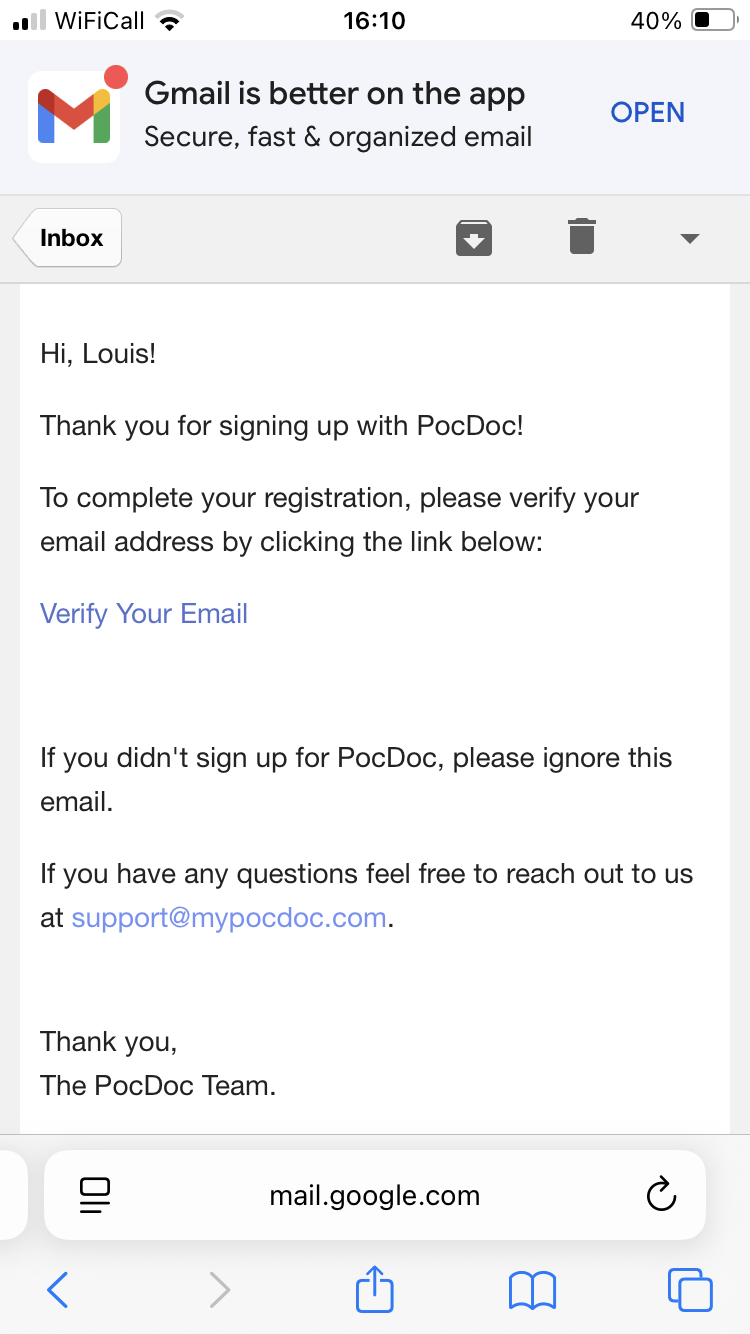
Once prompted, open your email, find the verification email, and click the link to proceed to the sign-in section. If you would like to read the FAQ regarding the sign in section, you can click here.
If you do not receive your verification email, please check your spam folder and any other inboxes before contacting our helpdesk. You can reach us by clicking here.
Was this article helpful?
That’s Great!
Thank you for your feedback
Sorry! We couldn't be helpful
Thank you for your feedback
Feedback sent
We appreciate your effort and will try to fix the article