If you are viewing the following screen
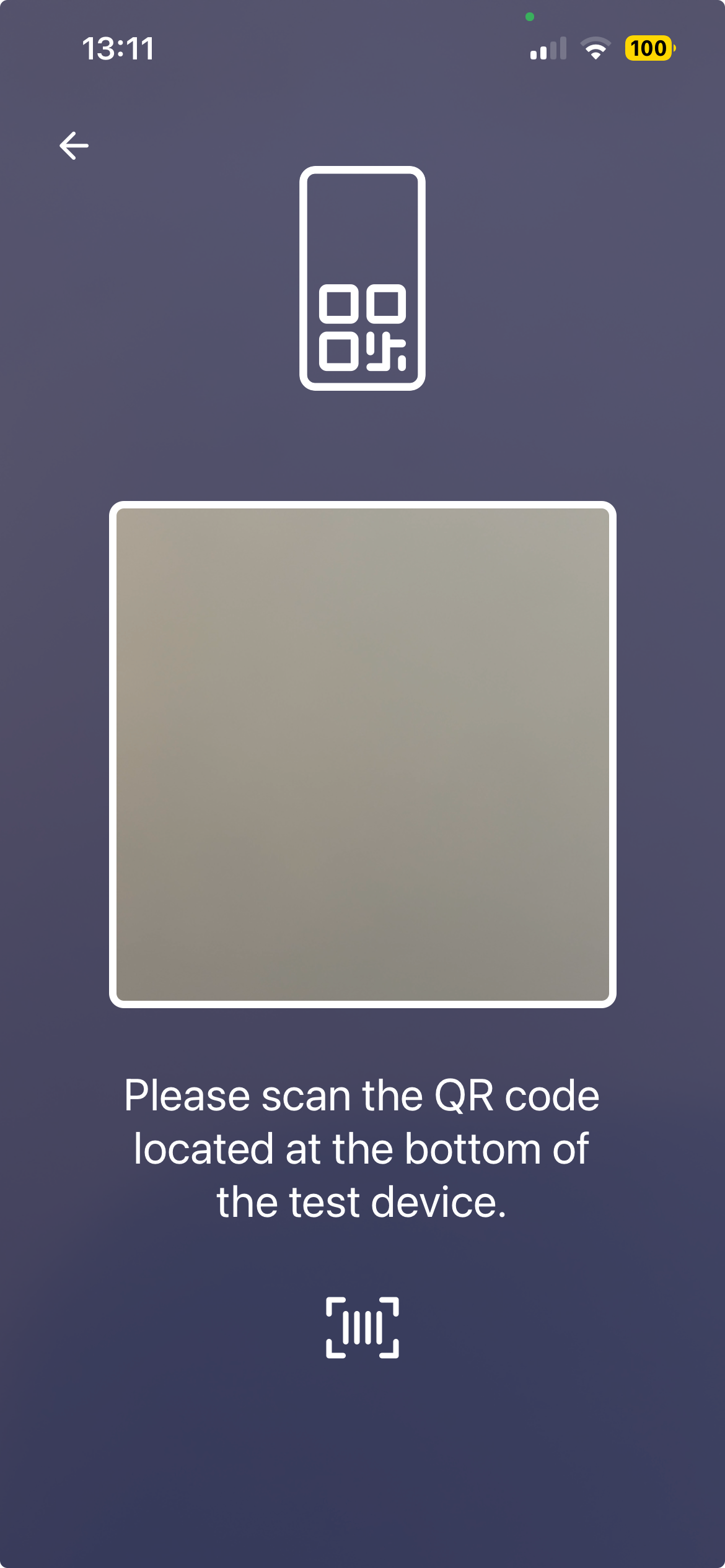
and are unsure where to find the QR code, it is located inside the silver pouch in your kit. Please open the pouch and remove the test chip.
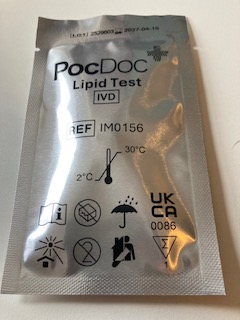
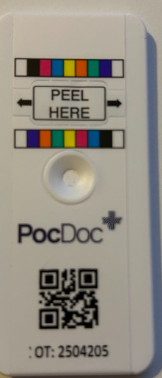
Please note that this is the only QR code that will start your test. If you scan a different QR code — for example, one found on the packaging or instructions leaflet — the app will display an 'Invalid QR code' error message and your test will not begin.
Please also be aware that if your silver pouch is open for longer than an hour, we can no longer confirm the accuracy of this test chip. If this has happened to you, please contact us, we will provide you with a free replacement Healthy Heart Check.
Please note that if you have any further questions, you can contact our helpdesk by clicking here.
Was this article helpful?
That’s Great!
Thank you for your feedback
Sorry! We couldn't be helpful
Thank you for your feedback
Feedback sent
We appreciate your effort and will try to fix the article