To run a PocDoc test you will need a PocDoc account. If you have not yet installed the app, download it using the links below:
Links to the PocDoc app
Creating a PocDoc account
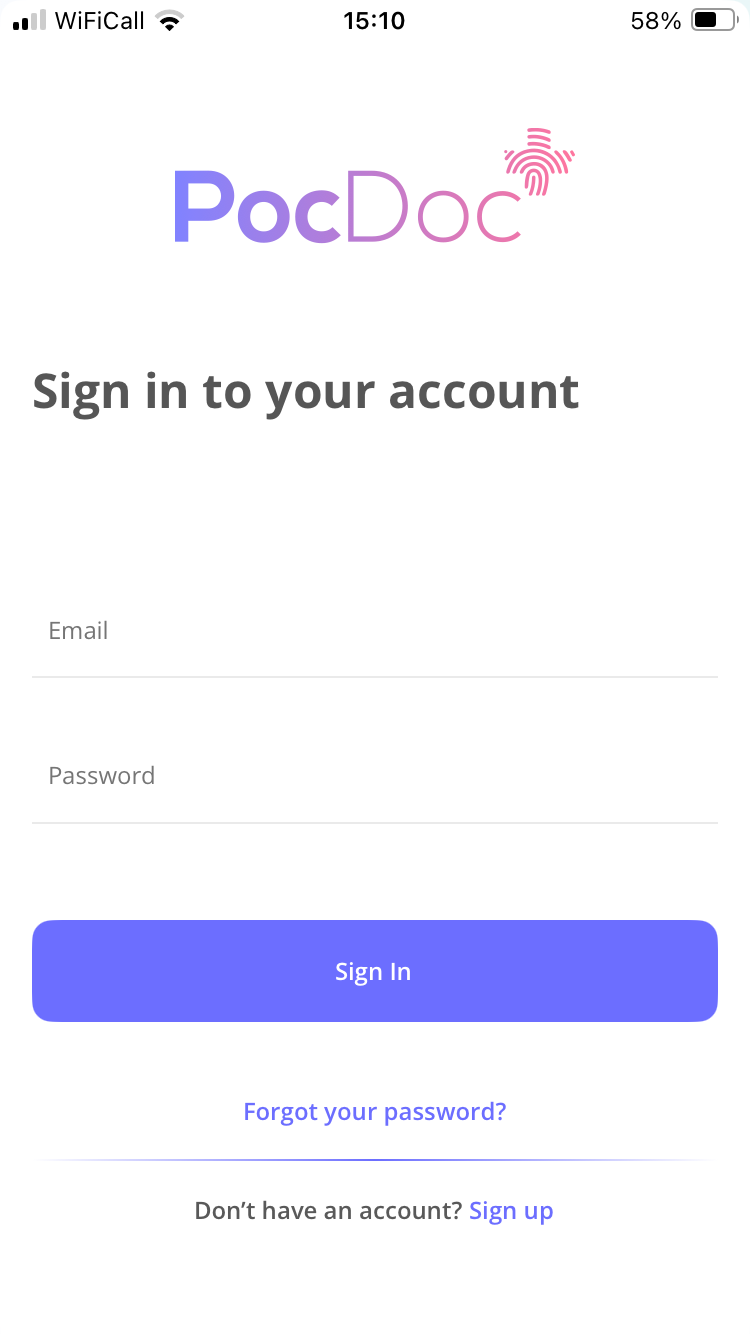
- Open the PocDoc app and tap Sign Up.
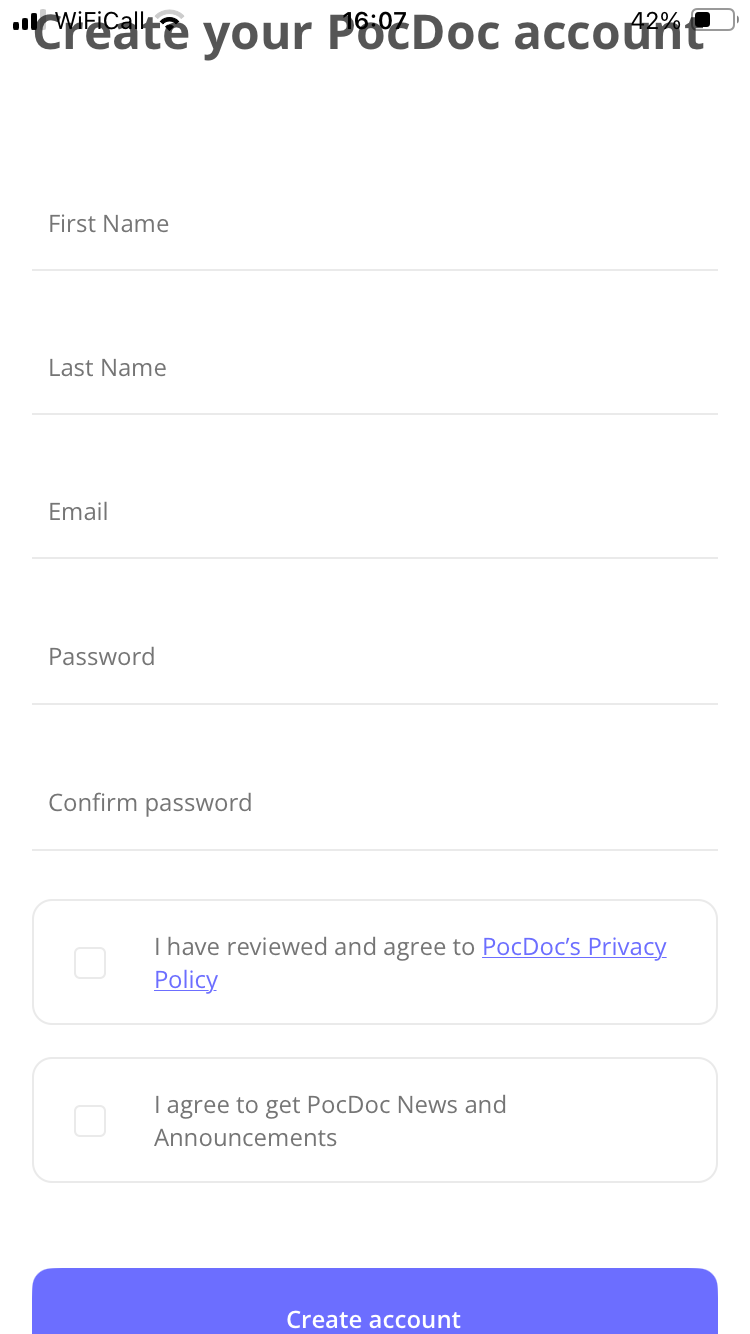
- Enter your personal details, including your name and email address, and create a password.
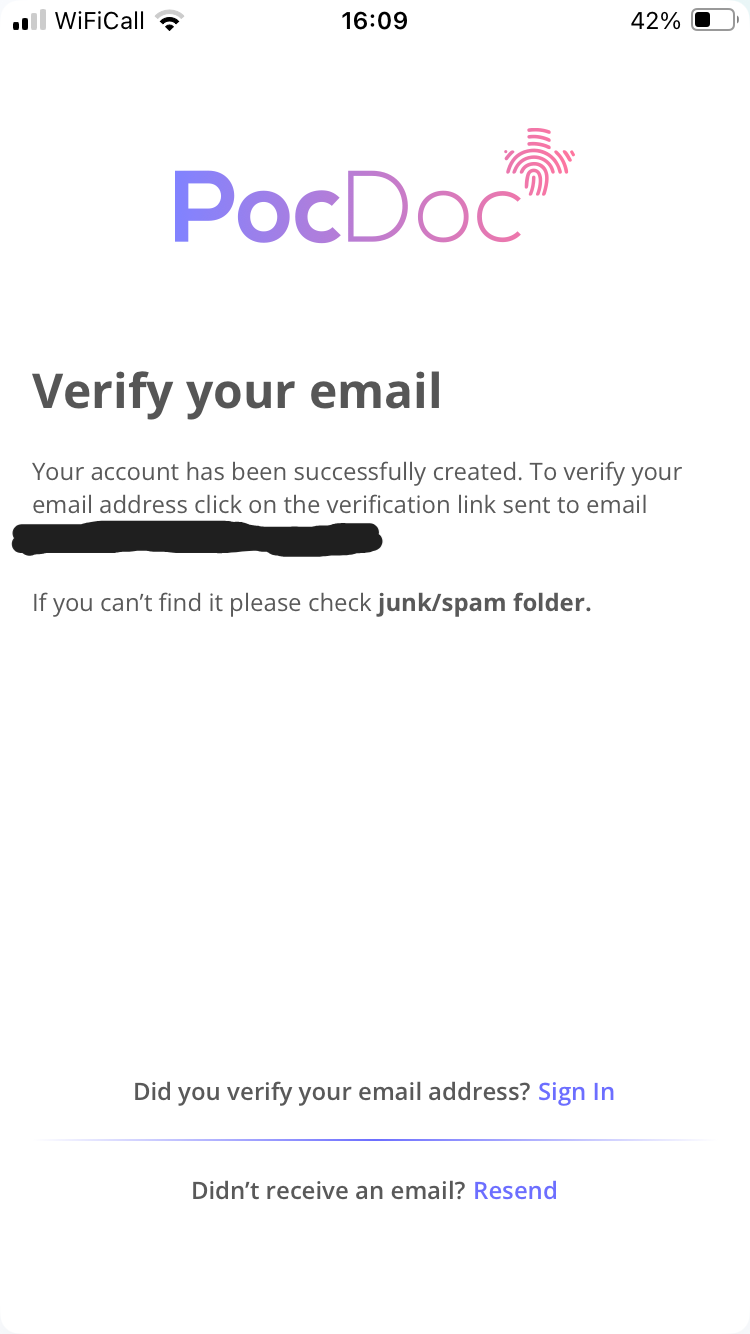
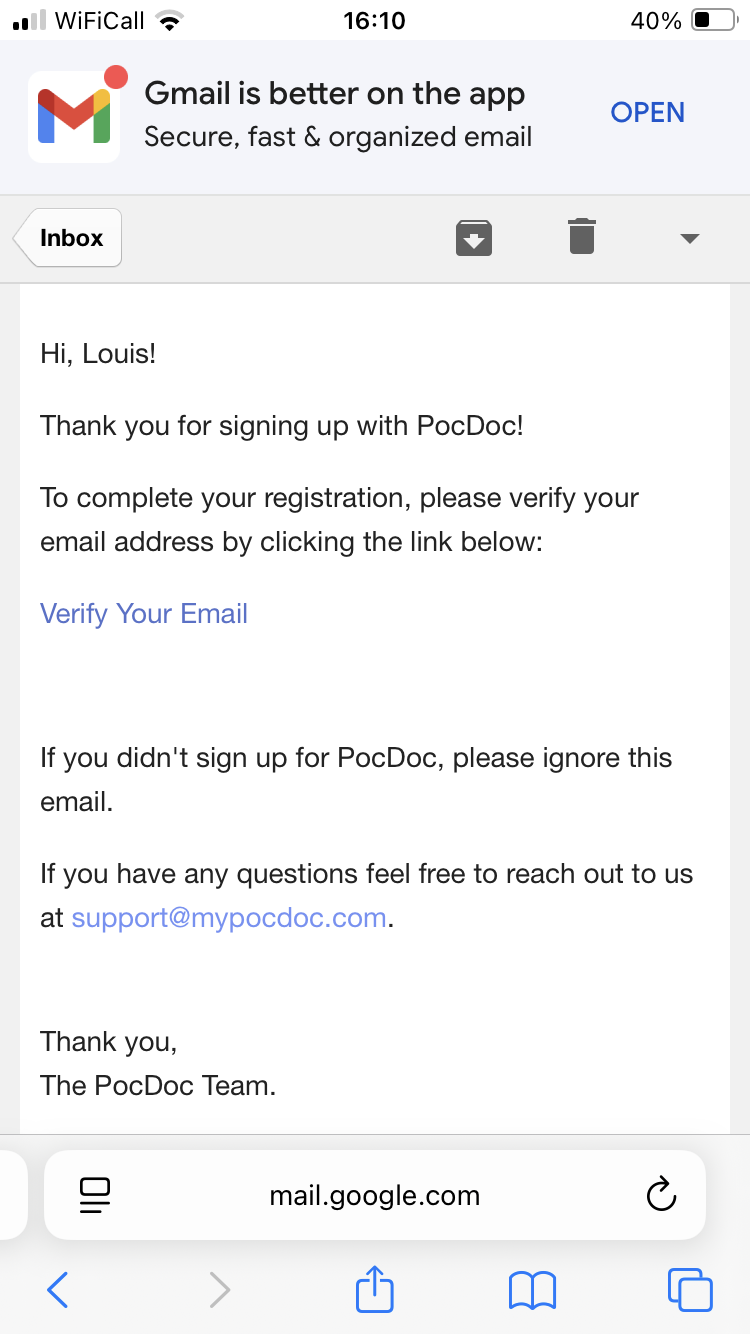
- You will be prompted to verify your email. Open your email, find the verification email, and click Verify your email.
- You will then be directed back to the PocDoc app to sign in. For guidance on signing in, see our sign-in FAQ.
Please note: this process is for the PocDoc app only, not the PocDoc Pro app. Self-test users cannot log in or create an account on the PocDoc Pro app.
For any further questions, please contact us helpdesk.
Was this article helpful?
That’s Great!
Thank you for your feedback
Sorry! We couldn't be helpful
Thank you for your feedback
Feedback sent
We appreciate your effort and will try to fix the article